Stems versus a single stereo bounce
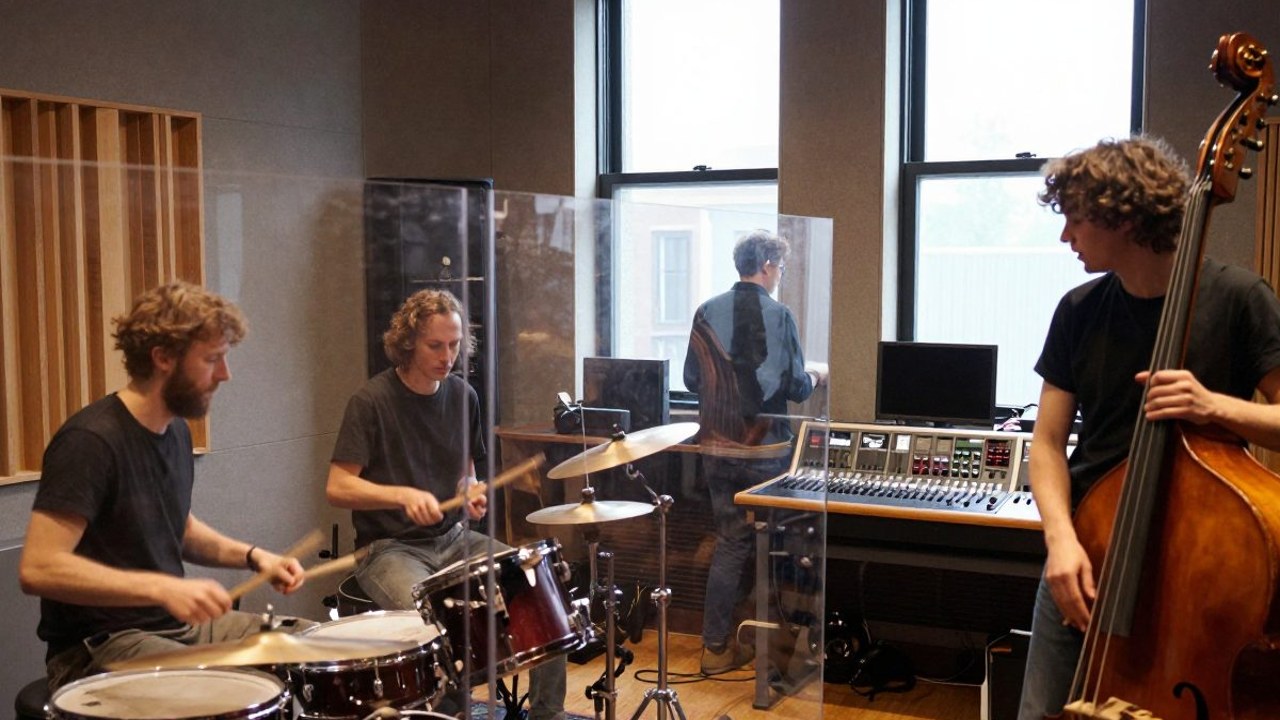
A stereo mix is enough for mastering when balance is final. Stems help when a mixer must adjust level, EQ or space without reopening the full session. After band tracking in our 42 m² live room we often split drums, bass, rhythm guitars, leads and vocals.
Vocal and speech recording alone usually yields dry vocal and doubles; backing tracks stay yours. Agree expected track count up front so export time fits the schedule.
If you hire an external mixer in the Netherlands or abroad, confirm whether they want raw tracks, printed effects or both before you leave the studio.
Format and headroom
Send uncompressed WAV or AIFF, ideally 24-bit at the session sample rate (48 kHz is common). Skip mp3 intermediates after paid studio time.
Leave headroom: peaks around −6 dBFS keep options open. Disable bus limiters on export unless the mixer asks for your rough tone. Include tempo, key and tuning notes in a readme beside the folder.
Naming and folders
Use clear filenames: SongTitle_Drums.wav, SongTitle_BassDI.wav, SongTitle_VoxLead.wav. No spaces. One subfolder per song with title and date.
01_Drums_Bus— internal drum submix02_Bass_AMPand02_Bass_DIwhen both were captured03_Gtr_Rhythm_L/Rif tracked separately04_Vox_Lead,04_Vox_DBLper role
Consistency beats clever names for our mixing pipeline and outside engineers alike.
From any DAW
Consolidate from bar 1 (or document offset), including preroll silence so everything stays aligned. Watch mono exports that accidentally become dual-mono stereo.
Remove mute automation that prints silence unless intentional. Bounce wet effect returns when useful and label them FX_SendName so they are not mistaken for dry tracks. A reference mp3 is fine as a listening cue—not as the master source. Questions before booking mixing at €285 per song? Email [email protected].
Deliverables after a Nelkenshift session
When tracking at Nelkenshift you typically receive a download link or cloud folder. We keep projects for 24 months; after that storage is not guaranteed. Pull everything you need for mix and backup inside that window.
Extra stem packages or re-exports after edits are quoted separately; small fixes soon after a session we discuss fairly. Mix feedback rounds follow mixing with 2 rounds under terms and conditions.
Privacy when sharing files
Stems may contain personal data (speech, filenames). Share links only with contracted parties. Our privacy policy explains how Nelkenshift B.V. handles uploads via contact.
Corporate clients may need a data processing agreement. We do not provide legal advice on samples or covers—studio time does not clear rights.
For transfers from outside the EU, use encrypted links and tell us retention needs so we align with our 24-month storage window.
Common mistakes
- Mismatched sample rates between stems.
- No bar-1 alignment — drums and bass slip.
- Stereo effects on mono vocal without notes.
- Brickwall-limited exports — no mix room.
- mp3-only delivery — hard to recover detail.
Run the checklist before upload. Pair with band recording budget when booking multiple day blocks.
On to mix and master
If we mix, send stems plus notes: references, vocal level targets, hard «do not» rules. EPs up to six tracks may fit mixing at €795—ask first.
Approved mixes move to mastering; prepare levels via loudness before mastering. Need new tracking? See band recording or vocal recording. Book through contact or call 020 244 8917.